 Expertspost
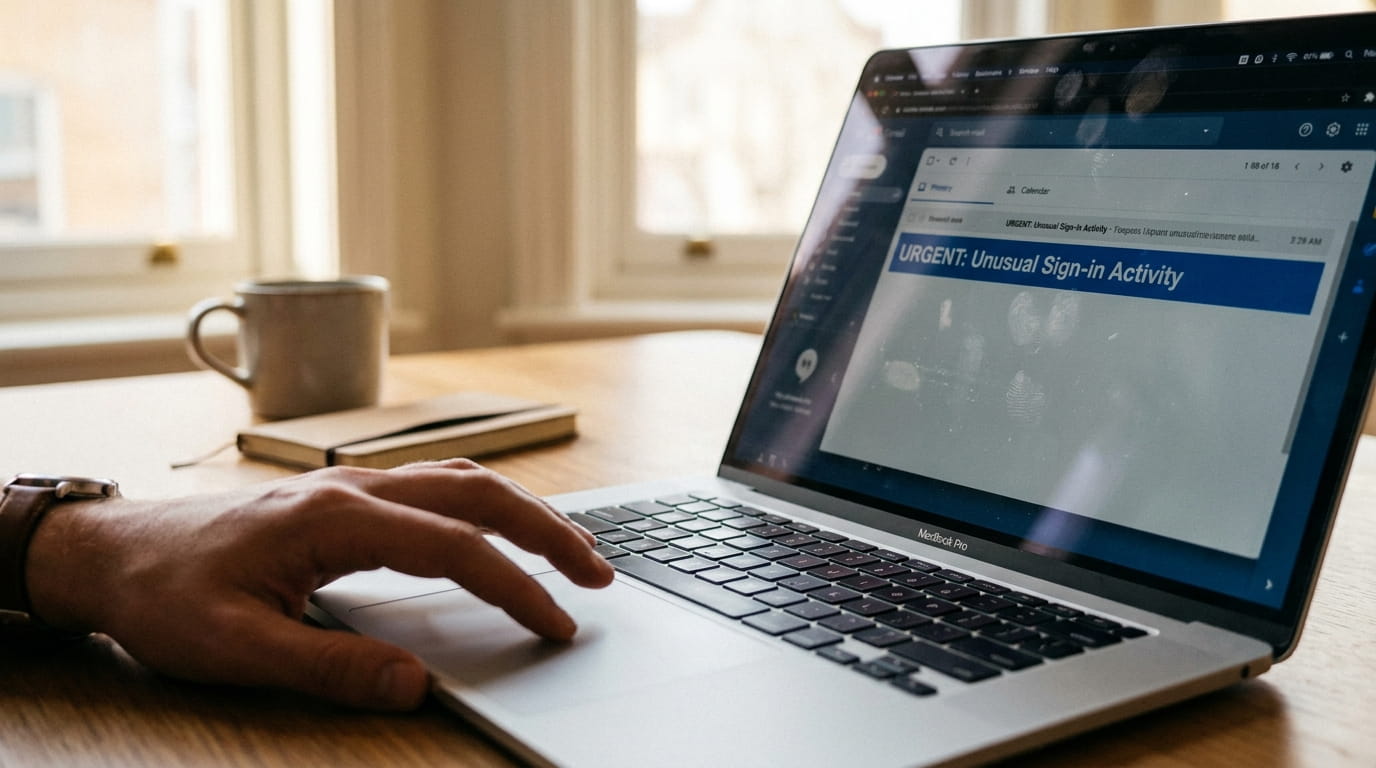
The old image of a phishing email, riddled with typos and offering a prince's fortune, is dangerously out of date. Modern phishing copies real branding cleanly, reads fluently, and arrives timed to plausible moments, the fake delivery notice in the week you are actually expecting a package. The scale matches the polish: in the FBI's 2024 Internet Crime Report, phishing and spoofing was the most reported crime category at 193,407 complaints, against a backdrop of more than $16 billion in total reported internet-crime losses. Spotting it is less about being clever than about a few reflexes that fire even when you are tired.
Why even careful people fall for it
Attackers play volume and probability: send enough fake delivery notices and some land with people genuinely awaiting packages. The active ingredient is urgency. CISA's guidance on recognizing phishing lists urgent or emotionally appealing language, especially messages threatening dire consequences for not responding immediately, as the leading warning sign, because pressure is designed to switch off the careful part of the brain. Treating the urgency itself as the red flag is half the battle.
The same playbook now arrives through every channel: text messages (smishing), voicemails, QR codes on parking meters, and direct messages. A text claiming a package "could not be delivered, tap to reschedule" is the same scam in a different envelope, and everything below applies to it equally.
The tells that still work
The FTC's consumer guidance on recognizing phishing boils the common scripts down to a short list: claims of suspicious activity, a problem with your account or payment details, a request to confirm personal information, an unfamiliar invoice, or a link to make a payment. Layered on top of those scripts, the technical tells:
- The sender's actual address. The display name may say "Apple Support" while the address behind it is a random string at an unrelated domain. Tap or hover the sender name to reveal it.
- Generic greetings. A company you hold an account with usually knows your name; "Dear Customer" on an account alert is a soft warning.
- Deadlines and threats. "Act within 24 hours" is pressure engineering, not how legitimate companies communicate account issues.
- Requests for credentials or card details. No real bank emails a link asking you to confirm a password or card number. This is the brightest red flag of all.
- Small wrongness. Odd phrasing, a slightly-off logo, a domain like "amaz0n-support.com." Imperfections cluster in fakes.
Attachments deserve their own reflex: an unexpected file, especially one that insists you "enable editing" or "enable content" to view it, is asking you to disable your own safety features, which no honest invoice requires. Confirm with the sender through a channel you trust before opening anything that surprises you.
Urgency is the tell. If a message is rushing you to click, slow down on purpose.
Checking a link without clicking it
The link is where the damage happens, so inspecting one without clicking is the core skill. On a computer, hover the mouse over the link and the true destination appears in a tooltip or at the bottom of the window. On a phone, press and hold the link to preview the destination without opening it.
What you are reading for is the actual domain, the part immediately before the first single slash. A real PayPal link goes to paypal.com; a phishing link reads "paypal.com.account-verify.example.ru" or "secure-paypal.login-check.com," planting the trusted name in a subdomain or path to fool a quick glance. Train your eye to find the bit just before the first slash, and the trick stops working. If any doubt remains, do not open it; there is no penalty for caution, which is the whole point of the next section.
Two variants defeat hover-checking and deserve their own rule. Shortened links and QR codes both hide the destination entirely, the former behind a redirect and the latter behind a square of pixels on a parking meter or an emailed "invoice." Since the destination cannot be inspected, the safe handling is the same as for any unexpected link: do not use it, and reach the supposed sender through their official app or website instead.
The one habit that protects you
One reflex defeats nearly every phishing attempt regardless of polish: never act through a link in an unexpected message. Go to the source directly instead. The FTC's phrasing of the rule is exact: if you think a company may genuinely be trying to reach you, contact it using a phone number or website you know is real, not the information in the email. An email about a bank problem means opening the bank's app or typing its address yourself; a real issue will be waiting in the account, and if nothing is there, the email was the lie.
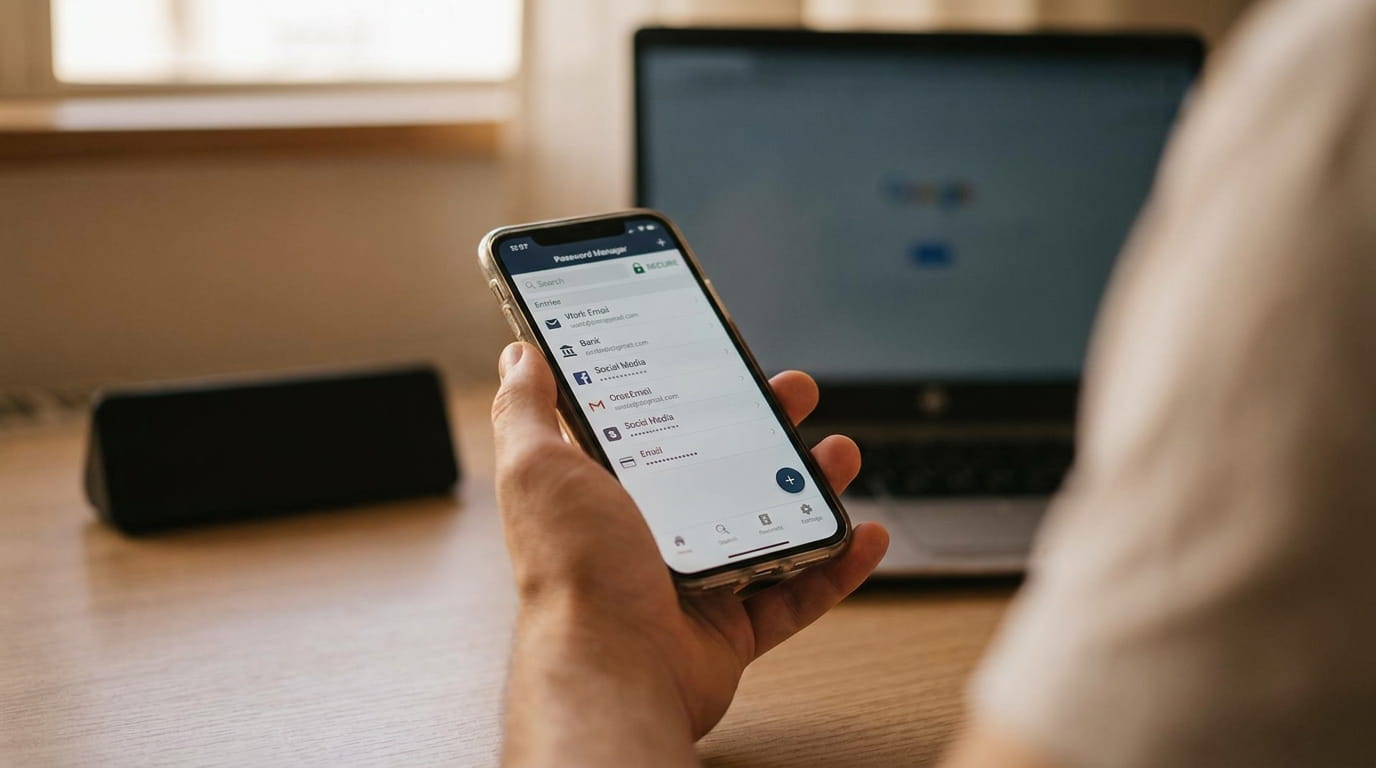
Two layers make the habit durable. Multi-factor authentication on important accounts means a phished password alone is not enough; CISA's MFA guidance puts the effect bluntly, citing research that accounts with MFA are 99 percent less likely to be hacked. And a password manager adds a quiet tripwire: because autofill matches the real domain, it will refuse to fill credentials on a lookalike site, a hesitation worth treating as an alarm. The full case for one is made here.
What to do if you already clicked
Mistakes happen at scale, which is why the response steps are well established. In order:
- Entered a password? Change it immediately on the real site, then everywhere else that password was reused, which is the moment most people discover why reuse is dangerous.
- Turn on multi-factor authentication on the affected account to lock out anyone holding the stolen password.
- Entered card or banking details? Call the bank using the number on the back of the card and watch statements for unfamiliar charges. If a Social Security number or other identity data was exposed, the FTC's IdentityTheft.gov walks through the recovery steps, including credit freezes.
- Clicked but entered nothing? You are very likely fine. Close the page, do not interact further, and run a malware scan for peace of mind.
- Report it. The FTC asks that phishing emails be forwarded to reportphishing@apwg.org, phishing texts forwarded to 7726 (SPAM), and incidents reported at ReportFraud.ftc.gov; most mail apps also have a one-tap "report phishing" that helps protect everyone on the same provider.
The goal is not paranoia about every message. It is two small reflexes, treat urgency as suspicious, and go to the source instead of the link, because the entire scam depends on you using their door instead of your own.
Frequently asked questions
I clicked a phishing link but didn't enter anything. Am I compromised?
Very probably not. Most phishing pages need you to type credentials or payment details to do harm. Close the page, do not download or approve anything it offered, and run a malware scan if you want certainty. The genuinely urgent cases are the ones where information was entered.
Where do I report a phishing email or text?
Forward phishing emails to reportphishing@apwg.org and phishing texts to 7726 (which spells SPAM), then report the incident to the FTC at ReportFraud.ftc.gov. Your email app's built-in report button is also worth using, since it trains the provider's filters for everyone.
Why do some phishing emails still contain obvious typos?
Partly volume and carelessness, and partly self-selection: a message that filters out skeptical readers leaves a pool of recipients more likely to follow through. Polished, typo-free phishing aimed at everyone coexists with crude versions, which is why the absence of errors proves nothing about legitimacy.
Are phishing texts and calls handled the same way as emails?
Yes. Smishing texts and scam calls use the identical playbook, urgency, impersonation, a link or a demand, and the same defense applies: never act through the message itself. Contact the company through its official app or a number you looked up independently, then report the text to 7726.
Sources & further reading
- 2024 Internet Crime Report — FBI Internet Crime Complaint Center
- How To Recognize and Avoid Phishing Scams — Federal Trade Commission
- Recognize and Report Phishing — CISA
- Turn On MFA — CISA