 Expertspost
How to back up your photos so you never lose them
The one tech task with no acceptable excuse: a backup setup that survives a lost phone and a dead laptop.
Plain-language help with the devices you already own: faster phones and laptops, better Wi-Fi, backups that don't fail you, and buying advice without the hype.
The one tech task with no acceptable excuse: a backup setup that survives a lost phone and a dead laptop.
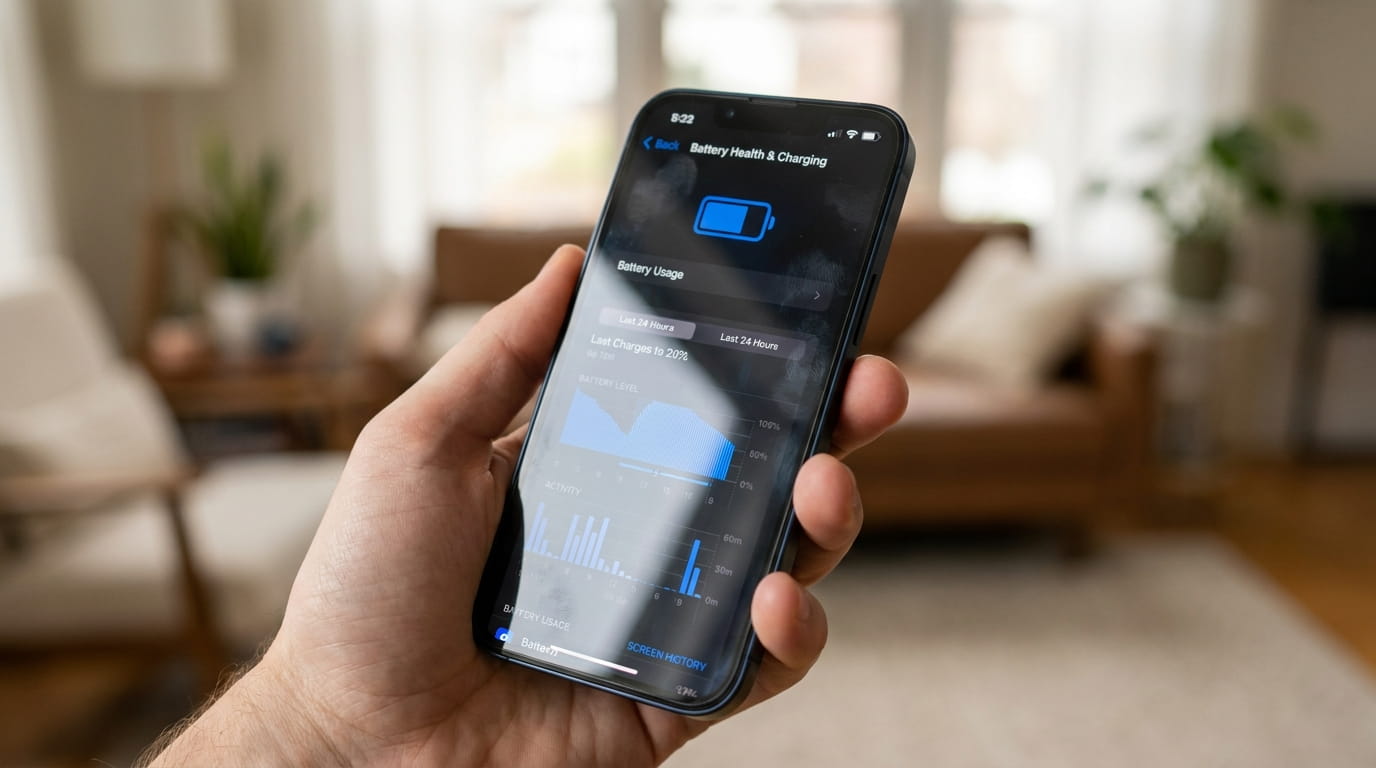
What measurably extends a battery's life, what's a myth, and where the settings live.
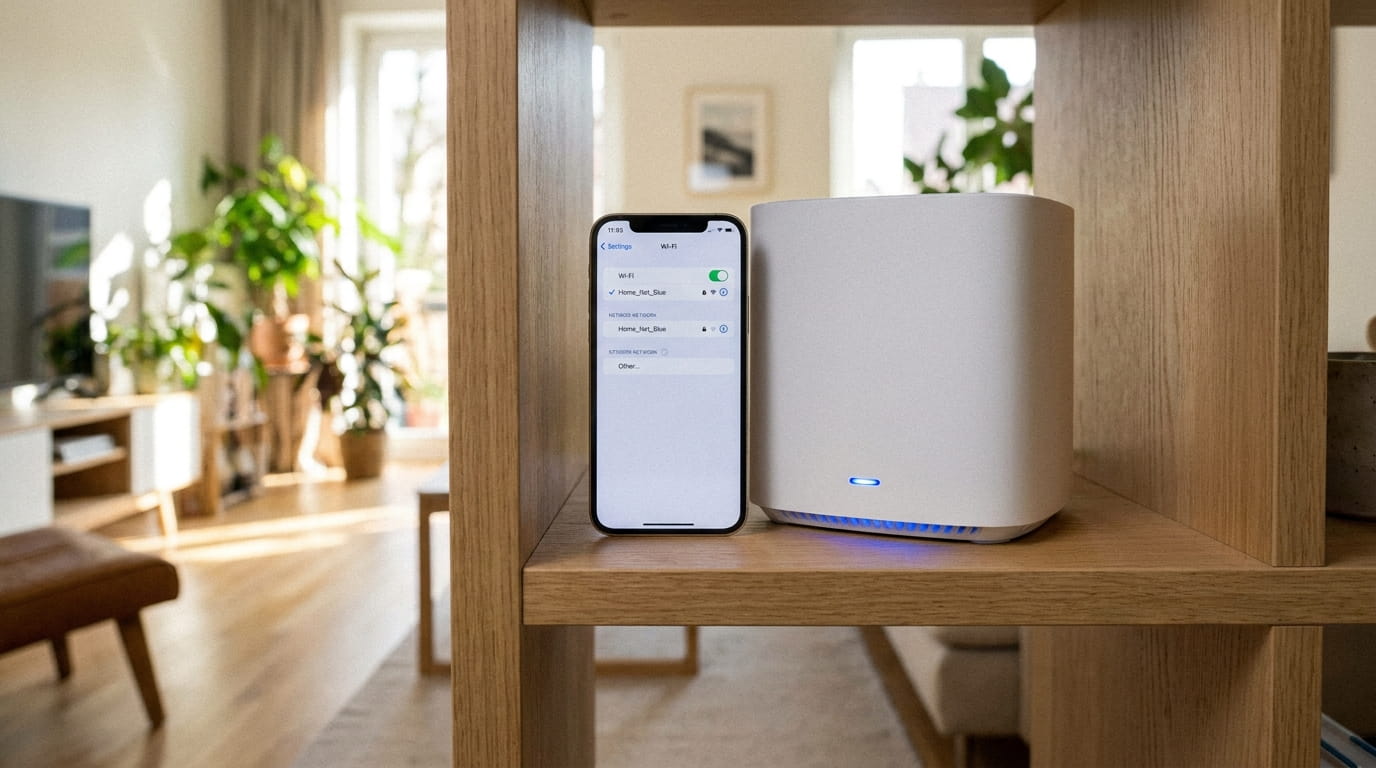
Ten minutes in the admin panel that fix most 'slow Wi-Fi' complaints — no new hardware.

The honest case for a password manager, including the inconveniences nobody mentions.
This section starts from a simple premise: the device you already own is probably fine. Most "slow phone" and "bad Wi-Fi" problems are configuration problems, and most upgrade advice online exists to sell you the upgrade. Before you replace anything, it's worth a few minutes with the settings — these guides show you exactly which ones, and why.
The guides cluster around three jobs. Make it last: extending phone battery life and speeding up an old laptop instead of replacing it. Make it safe: backups that actually survive a disaster, password managers, and spotting phishing before it costs you an account. Make it work: router settings worth changing, the mesh-versus-extender decision, a smart home without monthly fees, and buying earbuds without the hype.
Settings paths are written out in full — not "disable background activity" but where that switch actually lives on iOS and Android. Claims about batteries, security, and networks are checked against the primary documentation: Apple and Google support pages, NIST guidance, and consumer-protection material from the FTC. Every article links its sources at the end.
“Storage full” almost never means you have to choose between your memories and a working phone. Here is where the space actually goes, what to clear first, and how to stop the warning from coming back — using Apple's and Google's own tools.
Most battery advice online dates from a different battery era. Here is what genuinely helps a modern phone last longer, what does nothing, and what Apple's and Google's own documentation says about charging habits.
One fixes dead zones properly and one is a cheap patch that sometimes makes things worse. A focused comparison so you do not waste eighty dollars on the wrong box.
Most people back up photos exactly once and assume it is handled forever. Here is a 3-2-1 setup that survives a lost phone, a dead drive, and an accidental delete — plus how to reclaim phone space once it is running.
Password reuse is the habit that turns one website's breach into five drained accounts. The evidence-based case for a password manager, the honest risks, and how to switch without a miserable week.
Before spending a thousand dollars on a replacement, work through the fixes that revive most aging machines — including one hardware swap that costs less than a nice dinner and matters more than everything else combined.
The gap between $60 earbuds and $250 earbuds is smaller than the marketing implies. What genuinely matters, what is spec-sheet padding, and a tier-by-tier look at where the money actually goes.
A smart home should not arrive with a stack of monthly bills. How to get the genuinely useful parts — lights, plugs, cameras, a thermostat — while routing around the subscription traps in the fine print.
Most people plug in a router and never open its settings again. A handful of changes make your Wi-Fi faster, safer, and less annoying — and they follow almost exactly what the FTC and Wi-Fi Alliance recommend.
Phishing was the most reported cybercrime in the FBI's latest figures, and modern fakes fool careful people. The tells that still give them away, how to check a link without clicking, and what to do if you already clicked.