 Expertspost
A range extender costs around $30 and a mesh system starts around $130, and the gap in everyday experience is larger than the gap in price. Before spending anything, it is worth being precise about which problem you actually have, because these two products solve different ones.
First, figure out the real problem
Wi-Fi complaints come in two flavors that feel identical and have different fixes. Range is when one specific room is slow or drops out because it sits far from the router or behind dense walls. Capacity is when everything slows down at 8 p.m. because four people are streaming at once. Extenders and mesh address range; neither fixes a slow internet plan or an overloaded old router.
A two-minute test settles it: run a speed test next to the router, then again in the problem room. The FCC's broadband speed guide puts HD video streaming at roughly 5 to 8 Mbps per stream, so a room that tests well above that and still feels fine next to the router has a coverage problem, and this article applies. If both locations test slow, the problem is upstream, in the plan or the router itself.
How each one works
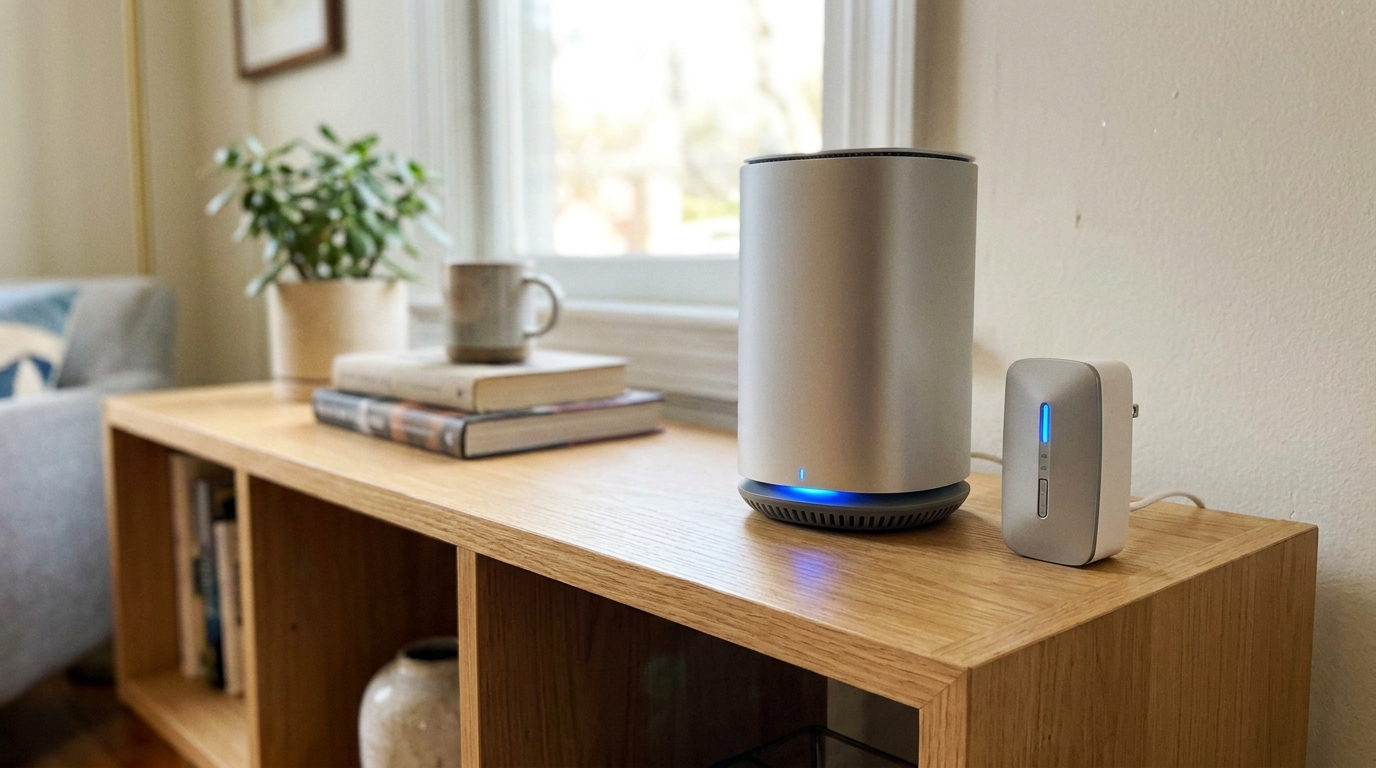
An extender (also sold as a repeater or booster) grabs the existing Wi-Fi signal and rebroadcasts it from an outlet roughly halfway to the dead zone. The catch is the halving problem: a basic single-band extender uses the same radio to talk to the router and to your devices, so it cannot listen and transmit simultaneously, and throughput through it can drop by up to half. Dual-band models that dedicate one band to the router link do better. Extenders also commonly create a second network name like "MyWiFi_EXT," and phones cling to the weak main signal instead of hopping over, which is why a phone can show full bars and still buffer. Placement is finicky too: too far and it amplifies a weak signal, too close and it does not reach the dead zone.
A mesh system replaces (or fronts) your router with two or three nodes that present one network. Devices roam between nodes automatically as you move through the house, and good systems use a dedicated radio for node-to-node traffic so the speed penalty stays small. This coordinated multiple-access-point design is standardized in the industry: the Wi-Fi Alliance's Wi-Fi EasyMesh certification describes exactly this arrangement, multiple access points working together as a unified network that steers each device to the best node. The honest downsides are cost, app-and-account setup, and the fact that each wireless hop still costs a little speed; wiring nodes together over Ethernet ("wired backhaul") removes even that, where practical.
Sizing and placement matter for both products. A mesh two-pack covers a typical small-to-medium home; a large, multi-story, or dense-walled house justifies three nodes. More is not automatically better, since nodes need solid signal from each other to relay anything useful, so aim for roughly even spacing where each node sits within strong range of the next, not in the dead zone itself. The same logic explains why extenders disappoint: an extender parked in the weak room can only amplify the weak signal that reaches it.
Side by side
| Factor | Range extender | Mesh system |
|---|---|---|
| Typical cost | $25 to $60 | $130 to $300 |
| Network name | Often a separate "_EXT" network | Single, unified |
| Speed through node | Can drop by up to half (single-band) | Minimal loss with dedicated backhaul |
| Roaming as you walk | Manual, sticky | Automatic |
| Setup and updates | Basic, often neglected | App-managed, usually auto-updating |
| Best for | One stubborn corner | Whole-home coverage |
Which one to buy
- One weak spot, light use, tight budget: a good dual-band extender is fine. The back-corner room that only needs email and music is the classic case.
- Multiple weak rooms, or you move around on calls: buy mesh. Two extenders daisy-chained is worse than one mesh system in almost every way.
- Router older than five or six years: mesh kills two birds, replacing aging hardware and fixing coverage in one purchase. The FTC's home Wi-Fi security guidance is also blunt that routers which no longer receive software updates are a security liability, which tips the math further toward replacement.
Before spending anything, try moving the existing router higher and more central, out of cabinets and off the floor; relocation alone fixes a surprising number of "dead zones." If an extender is the choice, plan on some trial and error with outlets: the workable spot is roughly halfway between router and dead zone, close enough to receive a strong signal and far enough to extend it, and finding it takes a few rounds of moving and re-testing. And whichever box you end up with, a few settings worth changing on day one will get more out of it than any spec-sheet difference.
Frequently asked questions
Will a range extender cut my internet speed in half?
A single-band extender can, because one radio must both receive from the router and retransmit to your devices. Dual-band and tri-band extenders that dedicate a band to the router link lose much less. Either way, expect some speed loss through any extender; the question is how much.
Can I just add a second extender for another room?
It is rarely worth it. Chaining extenders compounds the speed loss and multiplies the network-name confusion, and two decent extenders cost about as much as an entry-level mesh two-pack that will work better. Multiple weak rooms are the signal to switch to mesh.
Does a mesh system replace my existing router?
Usually yes. Most mesh kits act as the router, plugging into your modem directly. If your internet provider supplied a combined modem-router, you typically put it into bridge mode so the mesh handles the network. Some kits can also run behind an existing router, at the cost of some features.
Sources & further reading
- Broadband Speed Guide — Federal Communications Commission
- Wi-Fi EasyMesh — Wi-Fi Alliance
- How To Secure Your Home Wi-Fi Network — Federal Trade Commission