 Expertspost
Time-blocking has a strong pedigree. Computer scientist Cal Newport, who has written about the method for years, estimates that a 40-hour time-blocked week produces about as much as a 60-plus-hour unstructured one. The demand for some kind of structure is obvious: in Microsoft's 2023 Work Trend Index survey of 31,000 workers, 68 percent said they don't get enough uninterrupted focus time during the workday.
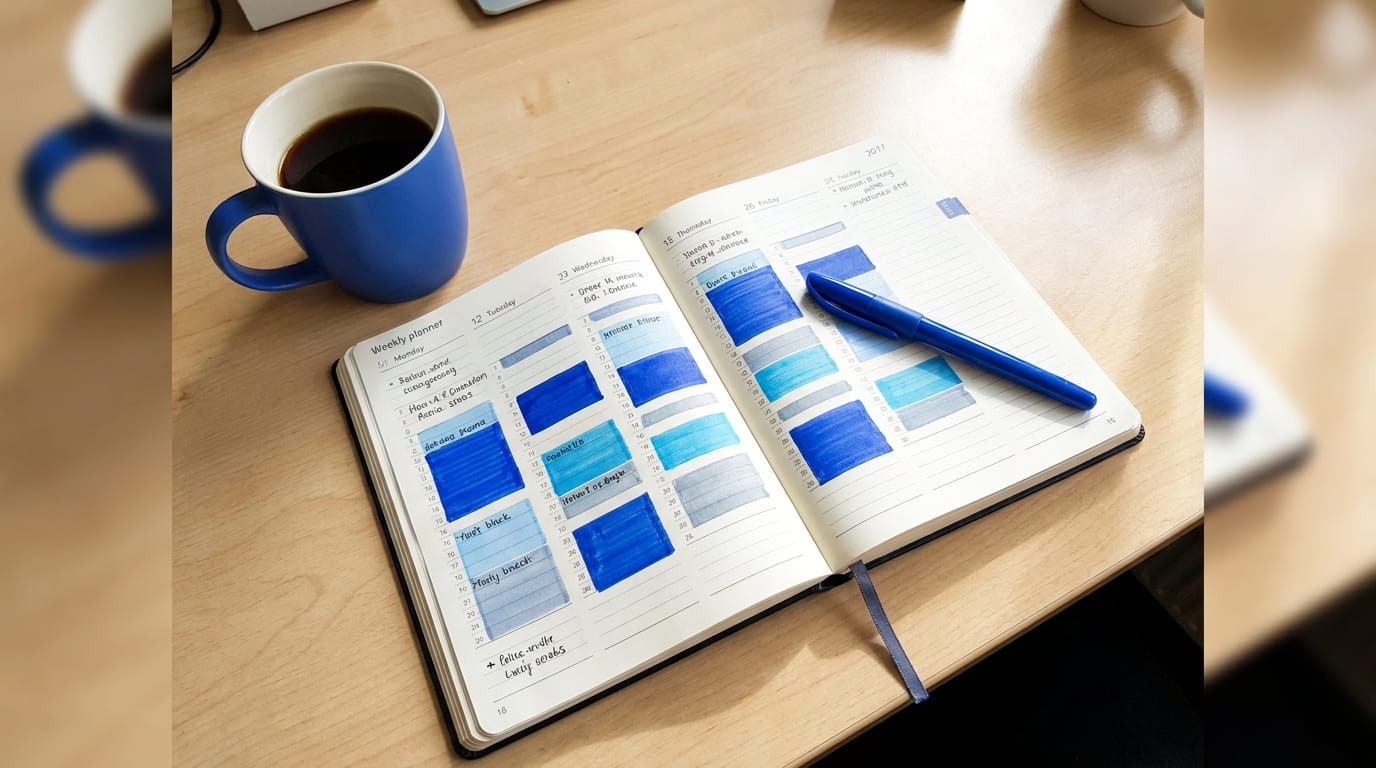
And yet most people who try time-blocking abandon it within a couple of weeks. The pattern is familiar: a beautiful color-coded grid built on Sunday evening, every half hour labeled, deep work in blue and email in orange — followed by guilt-tinged avoidance of the calendar by Wednesday. The method is sound; the common way of applying it is not. This guide covers the failure modes first, then a looser version of the system that holds up against a calendar full of other people's plans.
Why most time-block plans fall apart
Failed time-block calendars tend to die of the same three causes.
- The blocks are too small. A 30-minute block has almost no tolerance for reality. One slightly long call and the whole afternoon shifts, which makes the plan feel broken by lunch.
- The day is scheduled at 100 percent capacity. When every minute is assigned, the first interruption puts you "behind." Research by Gloria Mark and colleagues at UC Irvine found that interrupted workers compensate by working faster, but report significantly more stress, frustration, and time pressure. A fully booked calendar guarantees that experience daily.
- The plan is treated as a promise instead of a forecast. Miss one block and the day feels failed, and a day that feels failed at 9:40 a.m. is usually abandoned by noon.
The fix for all three is the same mental shift: the calendar is a forecast, not a contract. A forecast can be wrong without anyone having failed.
Fewer, bigger blocks
Block in chunks of 90 minutes to two hours, and rarely more than three or four blocks in a day. A typical morning might be one block labeled "writing" and one labeled "calls and email." The block protects the category of work, not the exact task; switching between two related projects inside a writing block costs nothing.
Wide blocks solve the micro-failure problem. A fifteen-minute distraction inside a two-hour block is just a fifteen-minute distraction — it doesn't knock over a row of dominoes. With 30-minute blocks, the same distraction cascades through the rest of the day's schedule and turns the plan into a rolling record of failure.
Keep the specific tasks on a separate list rather than on the calendar: the calendar is for shape, the list is for detail. Putting individual tasks on the calendar invites the worst of both worlds — a schedule that needs constant editing and a task list nobody maintains. (How to keep that list trustworthy is covered in the weekly review routine.)
One useful ceiling: cap deep, demanding work at roughly three to four hours a day. This matches what Newport and others have long observed about cognitively intense work — beyond that point, output quality drops sharply and the extra hours are mostly performance. Knowing the ceiling makes those hours worth protecting instead of spreading thin attention across ten.
Buffers are not wasted time
Leave roughly a quarter of the day unblocked on purpose. Empty, no label. This feels irresponsible at first, but it is the single change that makes the system durable.
A calendar with no slack is a calendar that breaks the first time a human being acts like a human being.
The buffer absorbs everything the plan can't predict: the call that runs long, the urgent request, the afternoon where concentration simply isn't there. On a good day the buffer becomes bonus time. On a bad day it's the reason the real priorities still get hit. Either way the plan survives, which is the entire point.
Buffers also counteract a well-documented bias: people systematically underestimate how long their own tasks will take, even with extensive experience of similar tasks running over. Planning at 75 percent capacity is not pessimism; it's calibration.
Themed days for the messy stuff
Some work resists blocking entirely — admin, small requests, the endless drip of quick questions. Scheduling each one individually is hopeless. Batch them by day instead of by hour.
A workable weekly shape looks like this:
| Day | Main theme | What to protect |
|---|---|---|
| Monday | Planning and admin | A weekly review slot |
| Tuesday to Thursday | Deep project work | Mornings, no meetings before 11 |
| Friday | Loose ends and people | Catch-up calls, cleanup |
It doesn't need to be rigid; things bleed across days. But a default theme means not deciding from scratch every morning what kind of day it is — the decision is mostly pre-made, and pre-made decisions cost nothing at 8 a.m. Given that executives now average around 23 hours a week in meetings, up from fewer than 10 in the 1960s, according to Harvard Business Review, clustering meetings onto designated days is often the only way deep-work days survive at all.
If your role doesn't allow whole themed days, theme half-days instead: meeting-free mornings Tuesday through Thursday achieve most of the benefit, and they're an easier sell to a team than vanishing for entire days.
What to do when the day blows up
Some days there is no saving the plan. A crisis lands, three meetings appear, and the blocks are confetti. The common response — abandoning the system entirely for a week — is like throwing away an umbrella because it rained.
A better recovery move: when the day goes sideways, stop trying to follow the schedule and ask one question — what is the single most important thing that can still happen today? Do that one thing and let the rest go. It often takes 40 minutes, and those 40 minutes are the difference between a wrecked day and a merely chaotic one. The blocks return tomorrow; the habit of returning to them is the actual system.
The second rule: don't re-plan in anger. Adjusting the calendar at 3 p.m. in frustration tends to produce another over-engineered schedule. Wait until the next morning and adjust the shape gently.
Time-blocking works not because it controls the day but because it gives the day a default to fall back to. The plan is a guess, the buffer is the apology written in advance, and the one-important-thing rule is the lifeboat. None of it is elegant — but unlike the beautiful color-coded grid, it survives contact with an actual workday. Pair it with a protected daily focus hour and the system mostly runs itself.
Sources & further reading
- Deep Habits: The Importance of Planning Every Minute of Your Work Day — Cal Newport, Study Hacks
- The Cost of Interrupted Work: More Speed and Stress (CHI 2008) — Gloria Mark et al., UC Irvine
- Work Trend Index 2023: Will AI Fix Work? — Microsoft WorkLab
- Stop the Meeting Madness — Harvard Business Review